
WP LightBeam Cache vs. WP Rocket: Which Caching Plugin is Best in 2026?
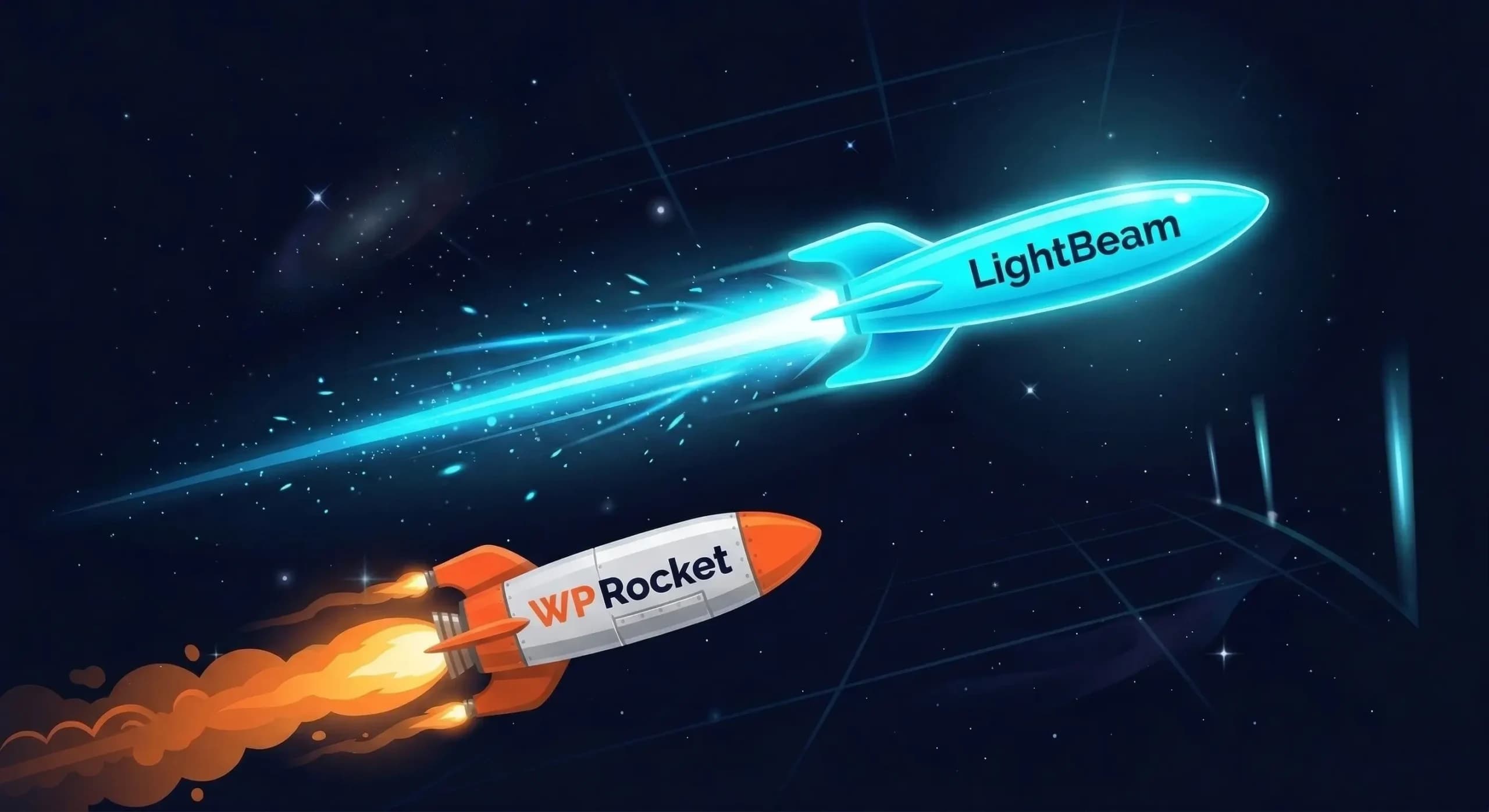
A 96/100 Lighthouse score even on a large websites. Sub-50ms TTFB. Zero database queries per request. That’s not a fantasy benchmark, that’s what LightBeam Cache delivers by default.
WP Rocket has dominated the WordPress caching space for years on the back of a clean UI and strong marketing. But while WP Rocket still operates inside the WordPress application layer, LightBeam has fundamentally rethought how a cache plugin should work, intercepting requests before PHP ever boots, serving pure static HTML from disk in milliseconds.
If you’re looking for a legitimate WP Rocket alternative that doesn’t just match it but outperforms it at the architectural level, this comparison is exactly what you need. Below is a thorough breakdown of WP LightBeam Cache vs WP Rocket across features, performance, and pricing, so you can make the right call for your site.
Why Caching Is Your Single Biggest SEO Lever

Before getting into the plugin comparison, let’s ground this in what actually matters.
Google uses Core Web Vitals – Largest Contentful Paint (LCP), Interaction to Next Paint (INP), and Cumulative Layout Shift (CLS) as direct ranking signals. A slow TTFB creates a chain reaction: the browser waits longer before rendering, LCP scores suffer, and your search rankings follow. According to Google’s own research, a 0.1-second improvement in load time can increase conversions by up to 8%.
Without caching, every WordPress page load triggers a full cycle of PHP execution, database queries, and template rendering before a single byte reaches the visitor. The right best WordPress caching plugin short-circuits that entire cycle. The wrong one or one that operates too deep in the WordPress stack doesn’t short-circuit enough.
This is exactly where LightBeam and WP Rocket diverge in a way that no settings tweak can bridge.
How Each Plugin Actually Works
Most plugin comparisons skip straight to feature tables. That’s a mistake, because the architectural difference between these two plugins explains every performance gap that follows.
WP Rocket: Application-Layer Caching
WP Rocket generates static HTML versions of your WordPress pages and stores them on disk. When a cached page is requested, it serves the pre-generated HTML instead of re-rendering from scratch. This is meaningfully faster than no caching at all.
The catch: WP Rocket still operates within the WordPress application. PHP loads. WordPress bootstraps. The plugin intercepts the request mid-cycle and short-circuits the rest. There is still overhead it’s just less overhead than a full uncached request.
LightBeam Cache: Pre-PHP Static HTML Bypass
LightBeam intelligently intercepts requests before PHP and the database are involved at all. The request lifecycle looks like this:
- Visitor hits your URL
- LightBeam’s drop-in intercepts the request before WordPress loads
- It performs an intelligent cache lookup for pre-compiled static HTML
- If found, pure HTML is served directly, zero database queries, zero PHP execution, zero WordPress bootstrap
The result, verified through LightBeam’s own cache diagnostics: TTFB averaging 38ms, LCP averaging 0.9s, Lighthouse 100/100, and 0 database queries per request.
WP Rocket cannot reach these numbers. It isn’t a settings problem it’s a structural one. You cannot eliminate PHP overhead from inside PHP.

→ Get LightBeam Cache free at wplightbeamcache.com
Feature-by-Feature Comparison
Static HTML Caching Architecture
| LightBeam Cache | WP Rocket | |
|---|---|---|
| Static HTML bypass (pre-PHP) | ✅ Yes | ❌ No |
| Application-layer page caching | ✅ Yes | ✅ Yes |
LightBeam wins this outright. Serving pre-compiled HTML before PHP even wakes up is a measurable architectural advantage not a marketing claim. For any site where TTFB is a bottleneck (which is most WordPress sites), this difference is the entire ballgame.
Delayed JavaScript Execution
Both plugins include JS delay as a PRO feature. The concept: third-party scripts and analytics are held back until the first user interaction, eliminating render-blocking penalties and protecting INP scores.
LightBeam’s Delayed JS Execution intercepts all third-party scripts at the drop-in level. Because it operates before the WordPress application runs, the delay is applied earlier and with less baseline processing overhead than WP Rocket’s equivalent, which hooks into the WordPress rendering pipeline post-bootstrap.
In practical terms: both improve your Lighthouse score. LightBeam’s implementation costs less to achieve the same outcome.
Instant Click Predictive Preloading
Both plugins offer hover-intent preloading in PRO.
LightBeam’s Instant Click Preloading tracks mouse hover intent and pre-fetches the next page 100–300ms before the click registers. According to LightBeam: “Navigation feels like teleportation.” WP Rocket’s link prefetching covers similar ground but with less granular hover-intent detection timing.
This is a close call, both implementations meaningfully improve perceived navigation speed. Slight edge to LightBeam for tighter timing.
Redis Object Cache + Crash Auto-Recovery
This is one of LightBeam’s clearest differentiators.
WP Rocket does not include native Redis object caching. Getting Redis with WP Rocket requires a separate plugin and manual server configuration. If Redis goes down, your site handles the failure on its own WP Rocket has no failsafe.
LightBeam PRO includes one-click Redis integration plus automatic crash recovery. If Redis fails, LightBeam’s failsafe activates and keeps the site online on static HTML caching alone, no fatal errors, no downtime. For WooCommerce stores, membership platforms, and database-heavy sites, this single feature justifies the PRO upgrade independently.
Winner: LightBeam. Native Redis with a crash failsafe that WP Rocket simply doesn’t have.
Surgical Cache Invalidation
Most cache plugins take a blunt approach: update a post, purge everything. This creates a warmup gap where freshly-purged pages haven’t been regenerated yet, causing a spike in uncached requests to hit your server.
LightBeam uses surgical dependency invalidation, it maps post-to-page relationships so that updating a post purges only the pages that actually display that post. Everything else stays cached. WP Rocket offers category-level and sitewide purge options, but no dependency mapping at this granularity.
Winner: LightBeam. Less cache downtime after every content update.
Intelligent Font Preloading
LightBeam PRO automatically detects and preloads critical web fonts to eliminate render delays, and includes Font Swap to ensure text renders immediately with a fallback font while the custom font loads. This directly targets CLS fonts that load late cause layout shifts that hammer your Core Web Vitals score.
WP Rocket includes font-related optimizations in PRO as well, though font URL entry is typically manual.
Safe Mode – LightBeam Exclusive
This feature doesn’t exist in WP Rocket and it’s one of the most developer-friendly things LightBeam ships.
Safe Mode is a one-click emergency reset that:
- Instantly flushes the entire cache
- Strips all CSS/JS minification
- Disables the drop-in temporarily
- Logs the event for an audit trail
When a theme update or new plugin causes unexpected behavior, Safe Mode gives you a clean debugging baseline in seconds. With WP Rocket, troubleshooting means manually toggling individual settings and clearing cache in stages. For developers managing client sites on tight deadlines, the Safe Mode difference is real time saved.
Full Feature Comparison Table
| Feature | LightBeam Cache | WP Rocket | W3 Total Cache |
|---|---|---|---|
| Static HTML bypass (pre-PHP) | ✅ | ❌ | ❌ |
| Hover-intent preloading | ✅ PRO | ✅ PRO | ✅ PRO |
| Delayed JS execution | ✅ PRO | ✅ PRO | ✅ PRO |
| Redis crash auto-recovery | ✅ PRO | ❌ | ❌ |
| Surgical dependency invalidation | ✅ Free | ❌ | ❌ |
| Font preloading + Font Swap | ✅ PRO | ✅ PRO | ✅ PRO |
| Safe Mode (one-click debug reset) | ✅ Free | ❌ | ❌ |
| WooCommerce dynamic exclusion | ✅ | ✅ | ✅ |
| Background cloud preloader | ✅ Free | ✅ | ✅ |
| Basic CSS/JS minification | ✅ Free | ✅ PRO only | ✅ |
| Plugin bloat added | 0kb | Variable | Variable |
→ Get LightBeam Cache free at wplightbeamcache.com
Pricing Comparison: LightBeam Cache vs. WP Rocket

WP Rocket Pricing (2026)
WP Rocket is premium-only. No free version. No free trial. A 14-day money-back guarantee applies, but there is no way to test it without purchasing first.
- Single – $59/year (1 website)
- Plus – $119/year (3 websites)
- Multi – $299/year (50 websites)
For an agency managing 10 client sites, you’re either stacking Plus plans or jumping to $299/year. The cost compounds annually with no option to reduce it.
LightBeam Cache Pricing
LightBeam’s pricing is built for developers and agencies:
Free – $0, forever
- Core static HTML caching
- Basic CSS/JS minification
- Surgical cache invalidation
- Safe Mode
- Basic support
- No account required to install
PRO – $4.99/month (up to 10 sites, billed monthly)
PRO – $32.88/year (up to 10 sites, billed annually, most popular)
- Everything in Free, plus:
- Instant Click predictive preloading
- Delayed JavaScript execution
- Redis Object Cache + crash auto-recovery
- Font preloading and Font Swap
- Priority support
- 3-day free trial available, test everything before paying
→ Get LightBeam Cache free at wplightbeamcache.com
The math at 10 sites: LightBeam PRO costs $32.88/year. WP Rocket to cover 10 sites requires at minimum the Multi plan at $299/year or multiple stacked licenses. That’s a $266/year difference per developer, every year.
Even more importantly: LightBeam’s free tier is genuinely capable. Core static HTML caching including the pre-PHP bypass architecture is free. Surgical invalidation is free. Safe Mode is free. For personal sites, portfolios, and smaller projects, you may never need PRO at all.
Performance Benchmarks: Core Web Vitals in Practice
LightBeam’s Production Benchmarks
From LightBeam’s verified cache diagnostic output on production configurations:
- TTFB average: 38ms
- LCP average: 0.9 seconds
- Lighthouse score: 100/100
- Database queries per cached request: 0
- Plugin bloat added: 0kb
A 38ms TTFB is what happens when you serve static HTML before PHP loads. There is no plugin workaround that gets WP Rocket to this number on the same infrastructure it’s a ceiling imposed by architecture, not configuration.
WP Rocket’s Performance Profile
WP Rocket delivers strong results in standardized benchmarks typically 68–72% load time improvement and 72% TTFB improvement over uncached pages, landing in the 90–95/100 Lighthouse range on well-optimized sites. That is a meaningful improvement and not to be dismissed.
The limitation is the ceiling. On managed WordPress hosts like Kinsta, WP Engine, and Pressable which include their own server-level page caching, WP Rocket can create cache layer conflicts that require disabling WP Rocket’s own page caching. LightBeam’s pre-PHP drop-in architecture doesn’t interact with the same WordPress layer that managed host caching targets, reducing this conflict risk significantly.
Core Web Vitals Impact Summary
LightBeam’s feature set maps directly onto all three Core Web Vitals:
- LCP – targeted by sub-50ms TTFB and instant static HTML delivery
- INP – targeted by delayed third-party JS execution (PRO)
- CLS – targeted by font preloading and Font Swap (PRO)
WP Rocket addresses the same three vectors, but with a higher baseline latency floor. For sites currently scoring 85–92 on Lighthouse and trying to push into the 95–100 range, that floor is the bottleneck.
Conclusion: The Best WordPress Caching Plugin in 2026 Is LightBeam
WP Rocket is a well-built plugin with a strong track record. If you need something that works, has extensive documentation, and you’re only managing one or two sites, the $59/year investment is defensible.
But if performance ceiling matters, and it does, because it’s a direct Google ranking signal WP Rocket has a hard architectural limit it cannot engineer past. You cannot eliminate PHP startup overhead from inside PHP.
LightBeam Cache bypasses that limit entirely. Pre-PHP static HTML delivery. 38ms TTFB. 100/100 Lighthouse. 0 database queries per cached request. Redis with crash recovery built in. Safe Mode for developers. Surgical cache invalidation. And a free tier that outperforms most premium plugins with a PRO plan covering 10 sites for less than WP Rocket charges for one.
As a WP Rocket alternative, LightBeam isn’t a compromise. It’s an upgrade.
Try LightBeam free no account needed. Install it, run a before/after on Google PageSpeed Insights, and let the 38ms TTFB make the case for you.
Written by
Wheeldeal member
Automotive Enthusiast & Content Creator at WheelDeal.